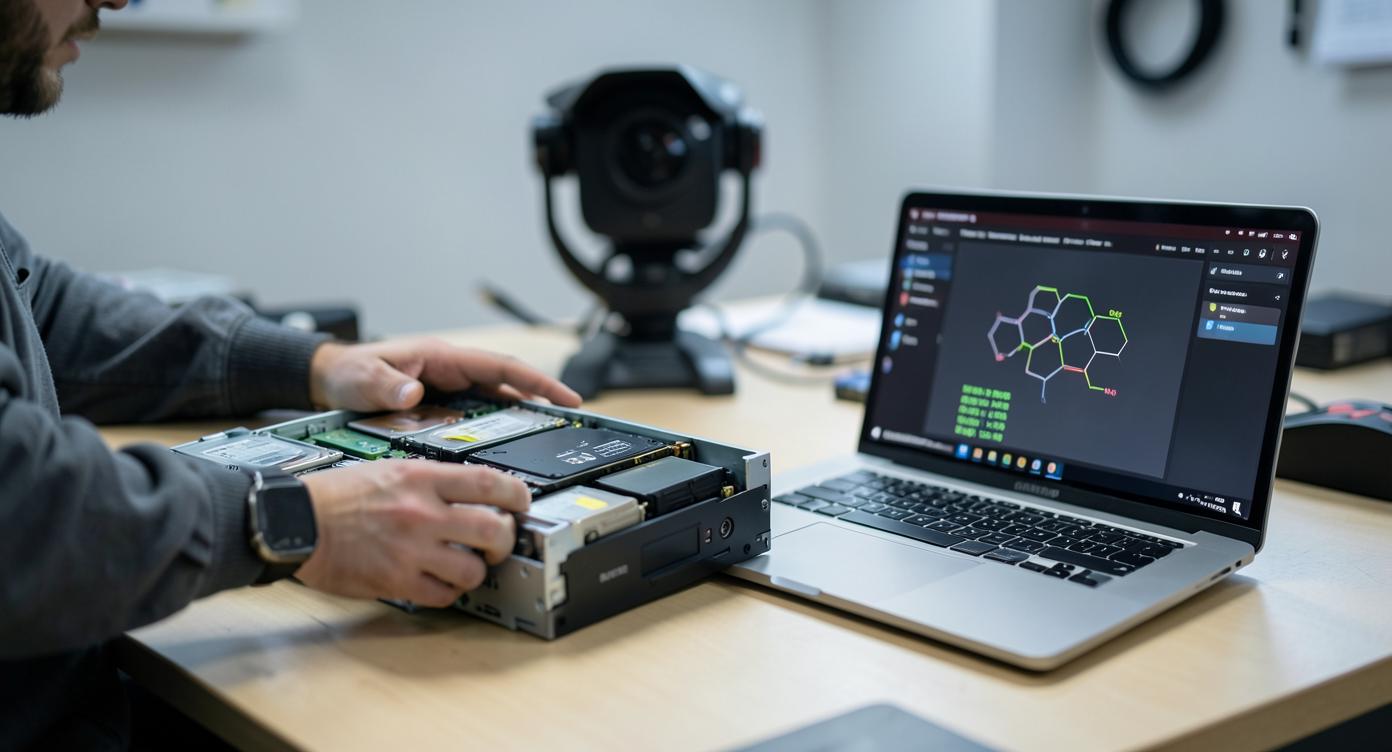
A DVR that refuses to play back an exported file is one of the most common calls to anyone responsible for a building's camera system. The file exists, it weighs several hundred megabytes, and yet the screen stays black or reports an unsupported format. In almost every case the picture itself is intact. What broke is the shell around it: the index file, the container structure, or the table that says where each frame begins and ends. Understanding that difference decides whether a recording can be used in a dispute, an insurance assessment or an internal review, or whether it is destroyed by a well-meaning attempt to make it play.
The fault is almost never in the picture
Most DVR and NVR vendors export in a proprietary shell, often with the .dav extension. Inside that shell there is nearly always a standard video stream, typically H.264 or H.265, together with a vendor index that points to frames and timestamps. The shell is closed, the stream is open. That means a broken export can usually be rescued by lifting the stream out unchanged, without re-encoding a single pixel.
Three faults recur. The file is truncated because the copy was interrupted. The index file is missing because it lived in a separate folder. Or the MP4 moov atom sits at the end of the file and disappeared when the transfer was cut: without moov the player cannot find the frames, even though every byte of video data is still there.
Step 1: Lock the original and record its identity
Before anything is opened, hash the original and store it on read-only media. SHA-256 is the standard: `sha256sum file.dav` on Linux and macOS, `certutil -hashfile file.dav SHA256` on Windows. Record the value together with the file size, file name and export time. Then work exclusively on a copy. The original should never be opened in software that can write to it, and never cleaned, renamed or compressed.
Step 2: Read the structure before repairing anything
A first `ffprobe -hide_banner -show_streams -show_format file.dav` shows whether FFmpeg recognises the shell, which codec the stream uses, resolution, frame rate, and whether a duration can be calculated at all. `mediainfo --Full file.dav` gives the same picture. If the index file is missing, even a correct file can look short, because duration is computed from that index. That is an important observation: a wrong duration is a symptom, not proof that frames are missing.
Step 3: Demux without re-encoding
If the shell can be read, a remux is often enough:
``` ffmpeg -hide_banner -i file.dav -map 0 -c copy -movflags +faststart out.mp4 ```
`-c copy` copies the stream bit for bit. `-movflags +faststart` moves the moov atom to the start of the file so it can play while loading. If FFmpeg cannot read the shell but a raw stream can be extracted, write it to an elementary file and package it afterwards:
``` ffmpeg -f h264 -i raw.h264 -c copy out.mp4 ```
Both routes create a new file. The new file is a new object with a new hash, and that is the point. The original is still untouched and the new file is traceable as a derivative copy.
Step 4: When the moov atom is gone
If the MP4 is truncated and the moov atom is missing, the tool untrunc can rebuild the table using a reference file from the same camera and codec. The reference must share the structure, not the content. The result plays, but be honest about what happened: the frames are original, the table is reconstructed. That belongs in the documentation, not in an assumption.
Step 5: Verify against the original
Confirm that the whole file decodes without errors using `ffmpeg -v error -i out.mp4 -f null -`. Then compare duration, frame count and the first and last frame against the original. `ffprobe -count_frames` gives an actual frame count instead of an estimate. If the count and timestamps match, the stream is intact. If the frame rate differs, something changed in the packaging and the file should not be used without further analysis.
Document what you did
Write down the original hash, the working copy hash, every command, the tool version and the verification result. A derivative file without a documented derivation is weaker than no file at all. With the documentation it becomes a traceable link in a chain that starts at the original file and ends at the picture someone actually looks at.
What you must never do
Re-encode the file to make it play. Trim away a broken beginning. Run a repair tool that overwrites the original. Publish a converted copy without labelling it as derived. Each of those steps either changes the picture or destroys the ability to show that it was not changed.
The tools in this manual run locally in the browser or on your own machine. No recording has to leave the device where it was created, and that property is exactly what makes a simple remux a defensible first step in a technical review.